Viewing
Balances, account labels, recent activity, and network selection help a reader orient themselves. A displayed balance is a view, not an independent audit of the underlying account state.
Interfaces and key management
A wallet is an interface for viewing accounts, signing instructions, and reviewing changes before they are submitted to a network. The interface does not replace careful reading of permissions or recovery procedures.
Wridian treats wallet literacy as a practical topic: readers should understand what a wallet stores, what it delegates to a device, and what remains the responsibility of the person using it.
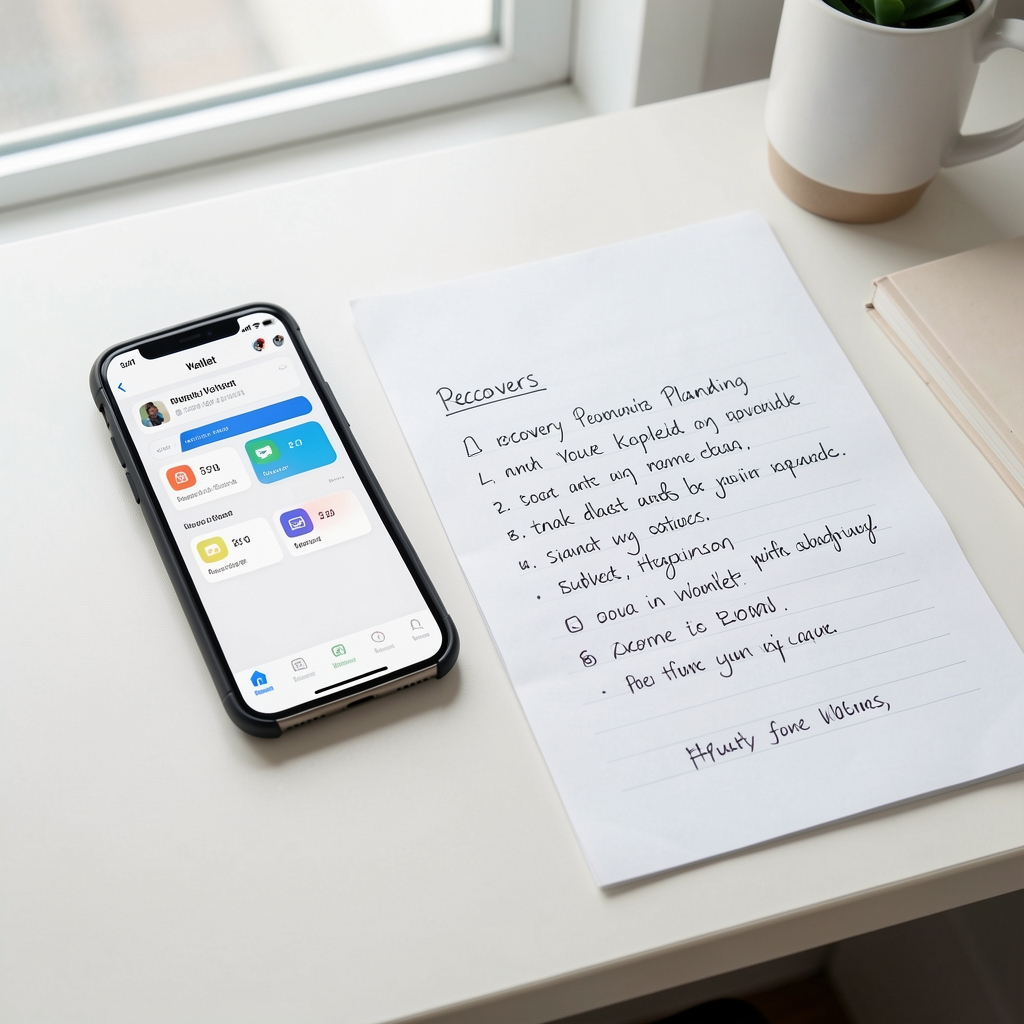
Balances, account labels, recent activity, and network selection help a reader orient themselves. A displayed balance is a view, not an independent audit of the underlying account state.
Signing confirms an instruction locally before a network receives it. The exact wording and fields vary across applications, so a familiar button should not be treated as proof that the request is understood.
Recovery material restores access under the rules of a wallet design. It should be handled as sensitive information, never copied into public forms, screenshots, or support chats.
Different products place responsibility in different locations. The table is a reading aid rather than a recommendation.
| Approach | Primary convenience | Questions to ask |
|---|---|---|
| Browser interface | Quick access from a familiar browser | Which extensions are installed and what permissions do they request? |
| Mobile interface | Portable account review and signing | How are backups, device access, and screen-lock settings handled? |
| Separate signing device | Signing is isolated from everyday browsing | How is the device verified and how are updates delivered? |
| Managed access | Recovery and approval may involve another party | Who can assist, what is logged, and what happens if service access changes? |
“A wallet is easier to use when its boundaries are visible: what it can show, what it can sign, and what it cannot verify for you.”
Who controls the recovery path? Which network is selected? What exact instruction is being signed? Can the action be reversed, and where will the resulting record be checked?

Wallet behavior changes across providers and versions. This page explains concepts for education and should be read with current official documentation for the selected tool.