Before access
- Check the address and publisher.
- Use a current device lock.
- Keep recovery notes private.
Reading security carefully
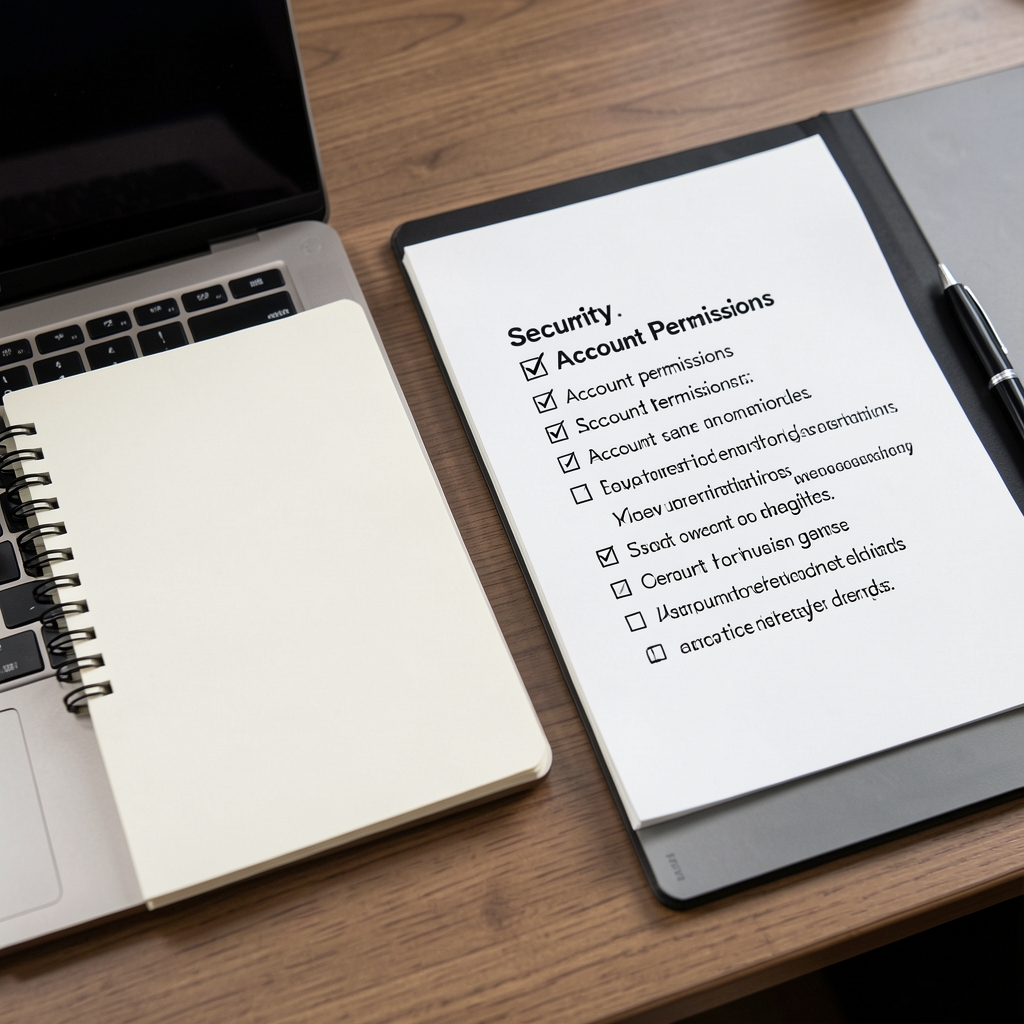
Security is not a single setting. It is the combined result of software provenance, account permissions, recovery planning, careful review, and a response plan for unusual events.
“The most useful security habit is creating a pause between a request and an approval.”
| Situation | What to inspect | Practical response |
|---|---|---|
| Unexpected message | Sender, domain, request, urgency | Open a known channel and verify independently. |
| New software | Publisher, release notes, permissions | Use documented sources and review updates. |
| Unfamiliar approval | Instruction, destination, signer | Pause and reject when the purpose is unclear. |
| Lost device | Recovery path and active sessions | Follow the provider's documented recovery steps. |
A response record helps separate a confirmed event from an assumption. It also gives a support or security team enough context to investigate without requesting sensitive recovery material.
No legitimate support interaction requires a visitor to publish a recovery phrase, password, or private key. Treat requests for those details as a reason to stop and verify the channel. Wridian explains general habits and does not inspect individual accounts.
This page is educational information, not an incident-response service. For a live problem, use the documented support and security contacts of the relevant provider.